
What can I see during a workout?
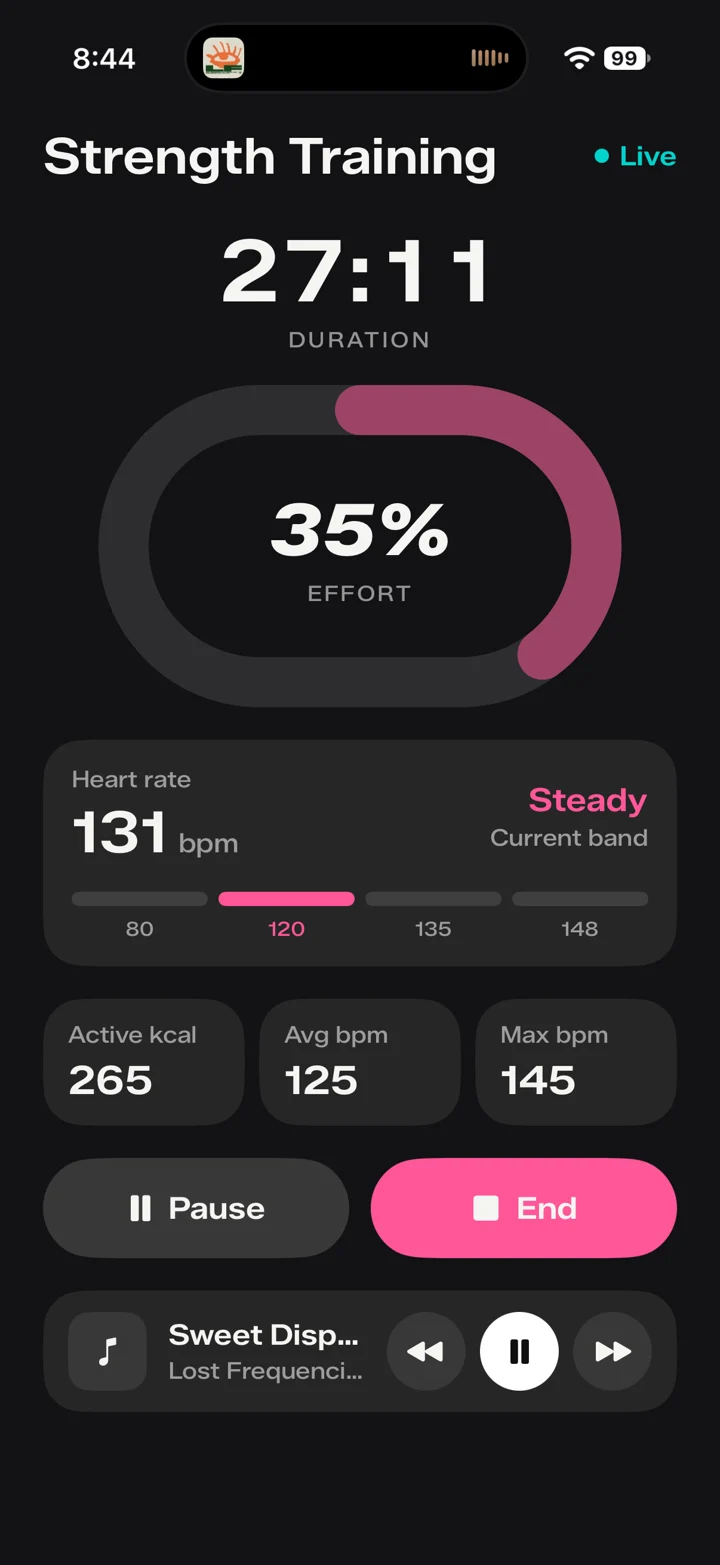
The live activity screen displays the workout type, session duration, effort percentage, current heart rate and intensity band. It also shows active calories, average heart rate, and maximum heart rate.
What are intensity bands useful for?
The current band puts the displayed heart rate into a simple visual context. Rather than interpreting a number on its own, you can see the band alongside the current effort and duration. The screen is intended to make your session easier to follow at a glance.
Can I control the workout and my music?
The supplied Rivel live workout experience includes pause and end controls, plus music controls on the same screen. These keep common actions close to the information you are already following.
How does daily effort differ from a workout?
A workout is a specific session. Daily effort describes the broader load of your day. Rivel’s Activity screen presents daily effort and a weekly view, while the live screen focuses on the session in progress.
Does Rivel replace my Apple Watch?
No. Rivel is designed for people who already use an Apple Watch. It provides a different way to see and interact with workout information on iPhone, alongside the data in Apple Health.